EC2 Connection
Connect EC2
-
Access the AWS Management Console interface
- Find EC2
- Select EC2
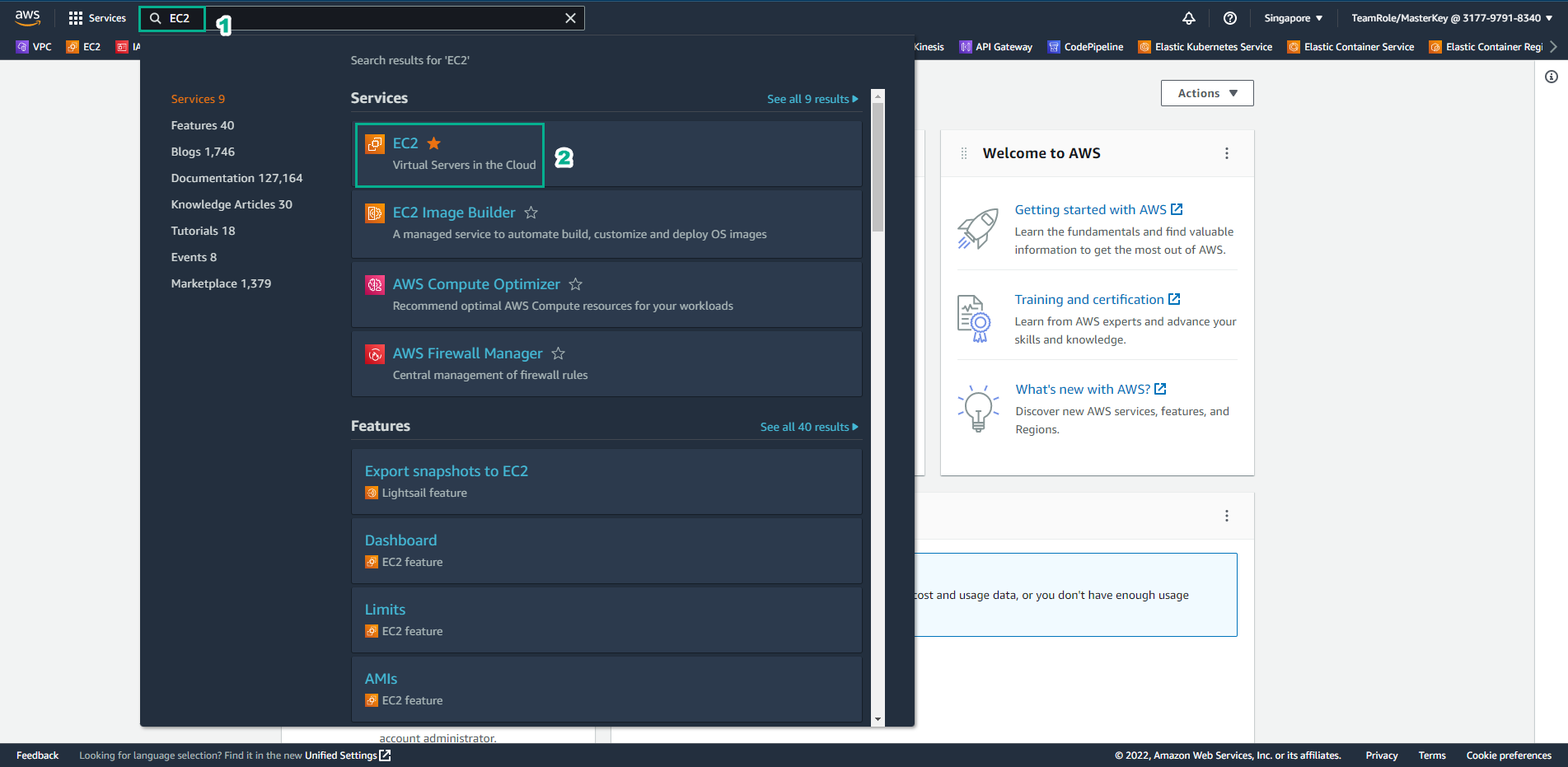
-
In EC2 interface
- Select SID-security-instance
- Select Connect
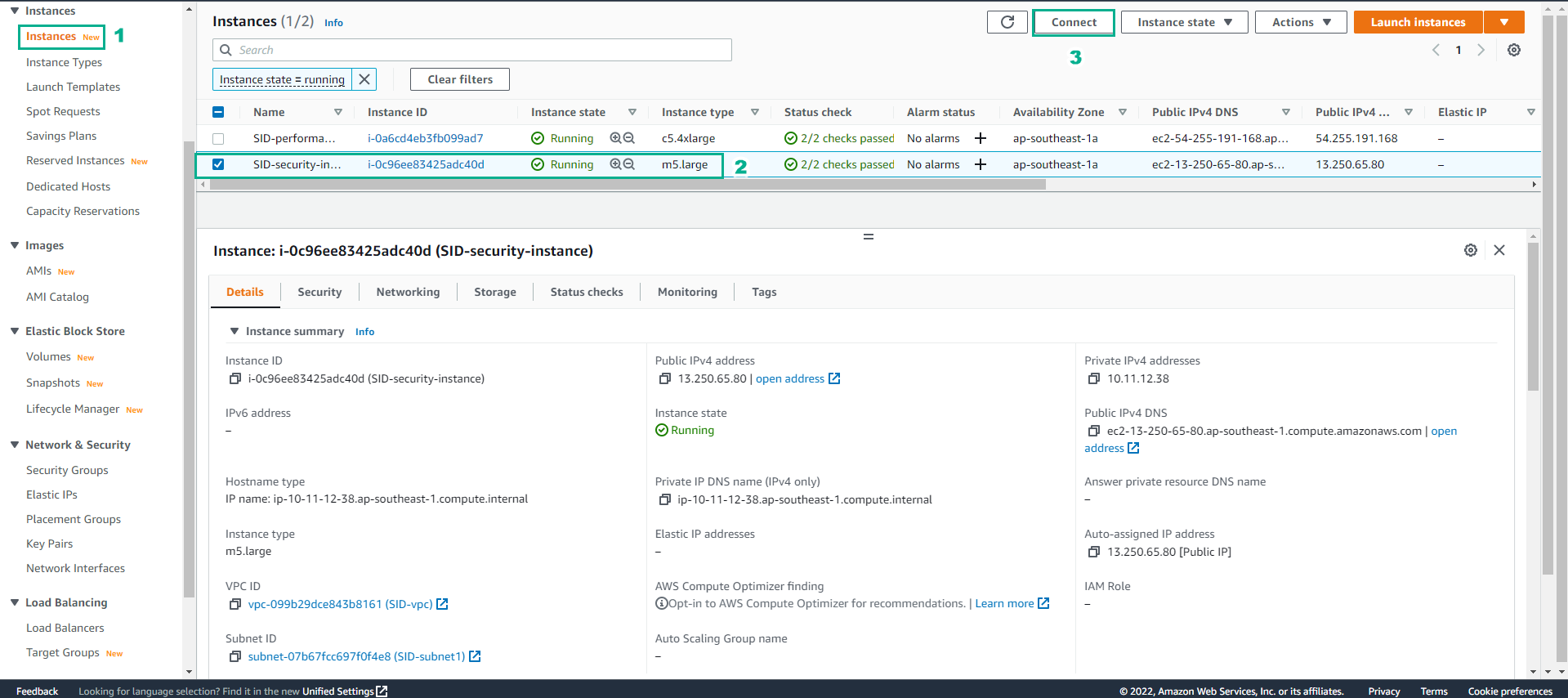
-
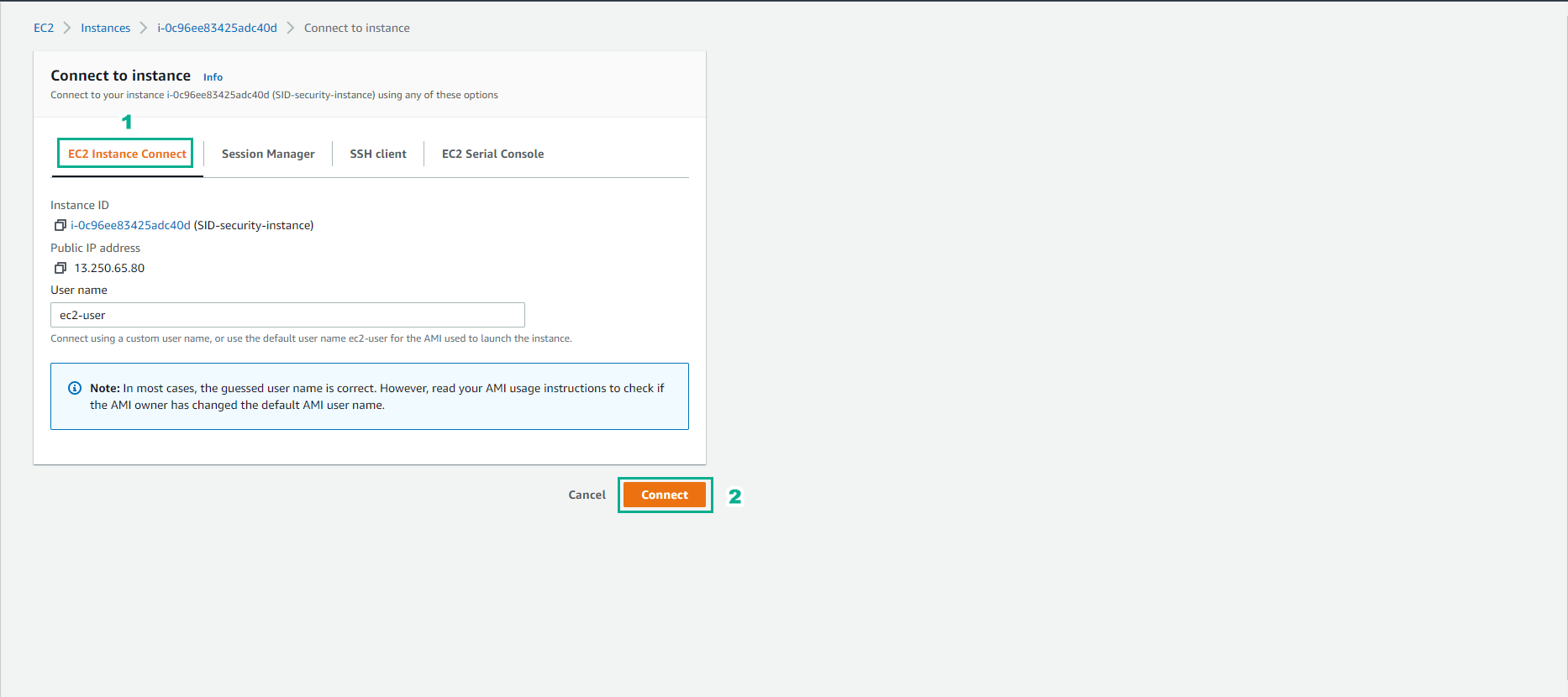
In the Connect to instance interface
- Select EC2 instance Connect
- Select Connect
- Successful connection
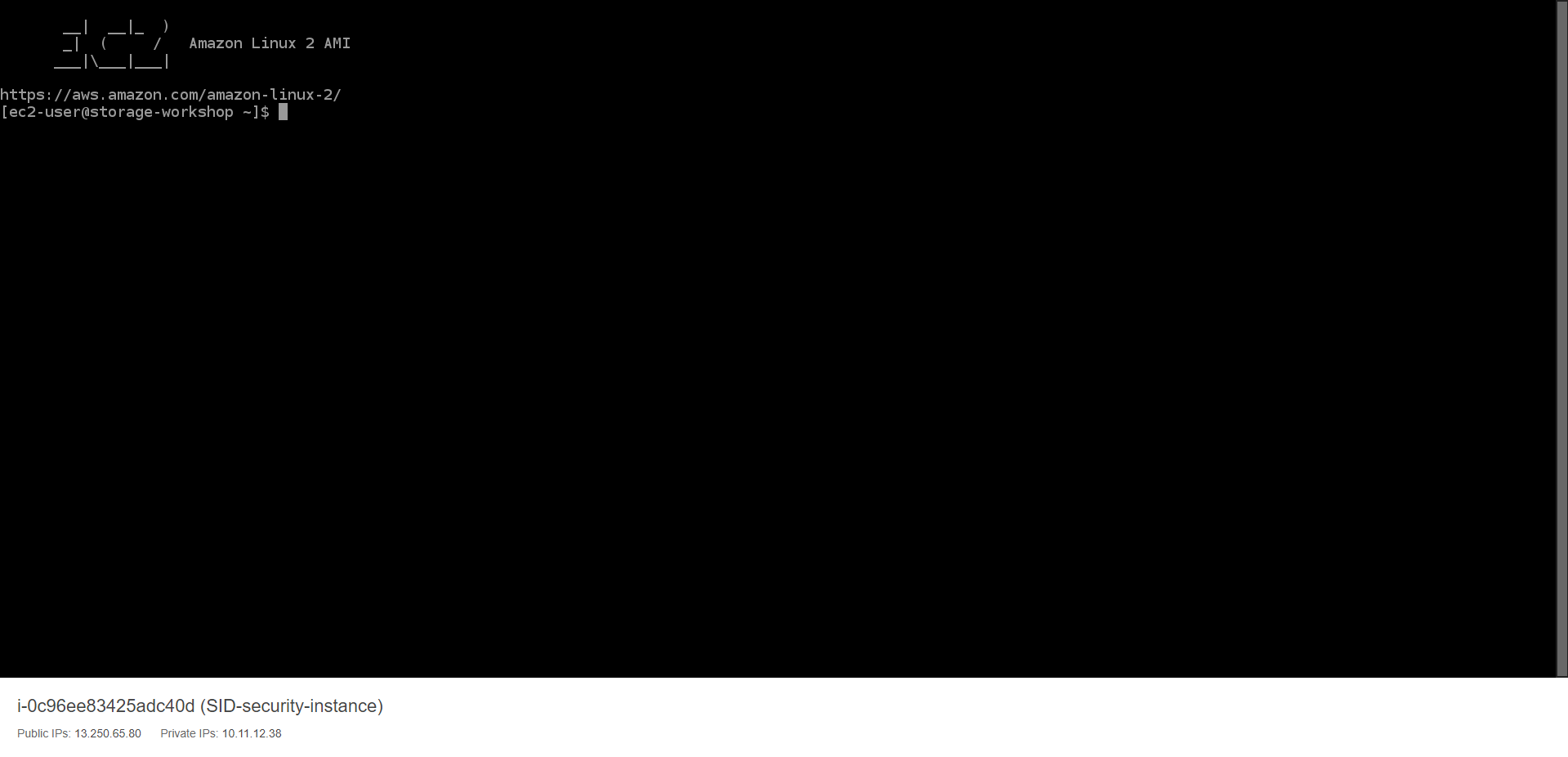
- Run the following commands to set up the AWS CLI.
aws configure
- Then use Access key and configure.
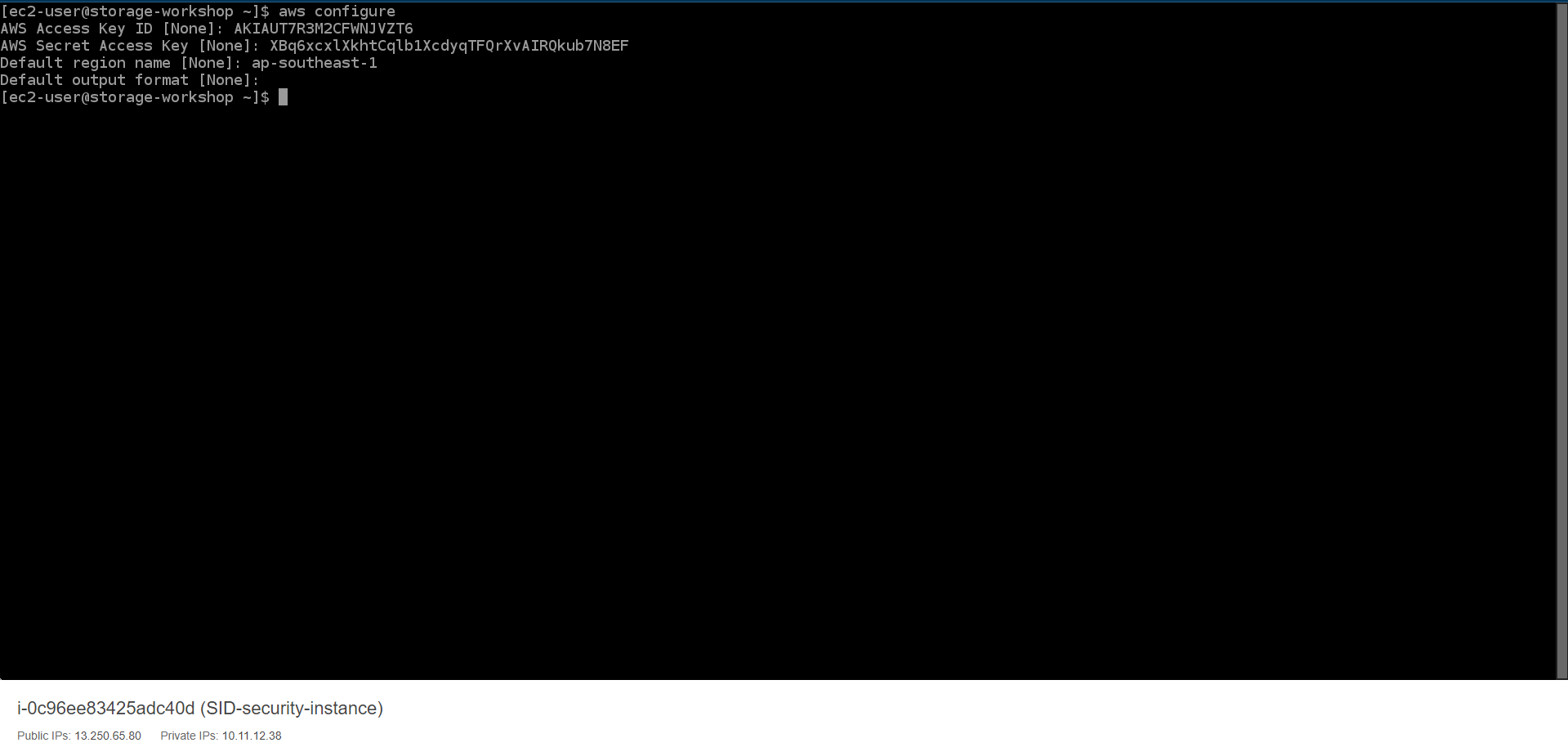
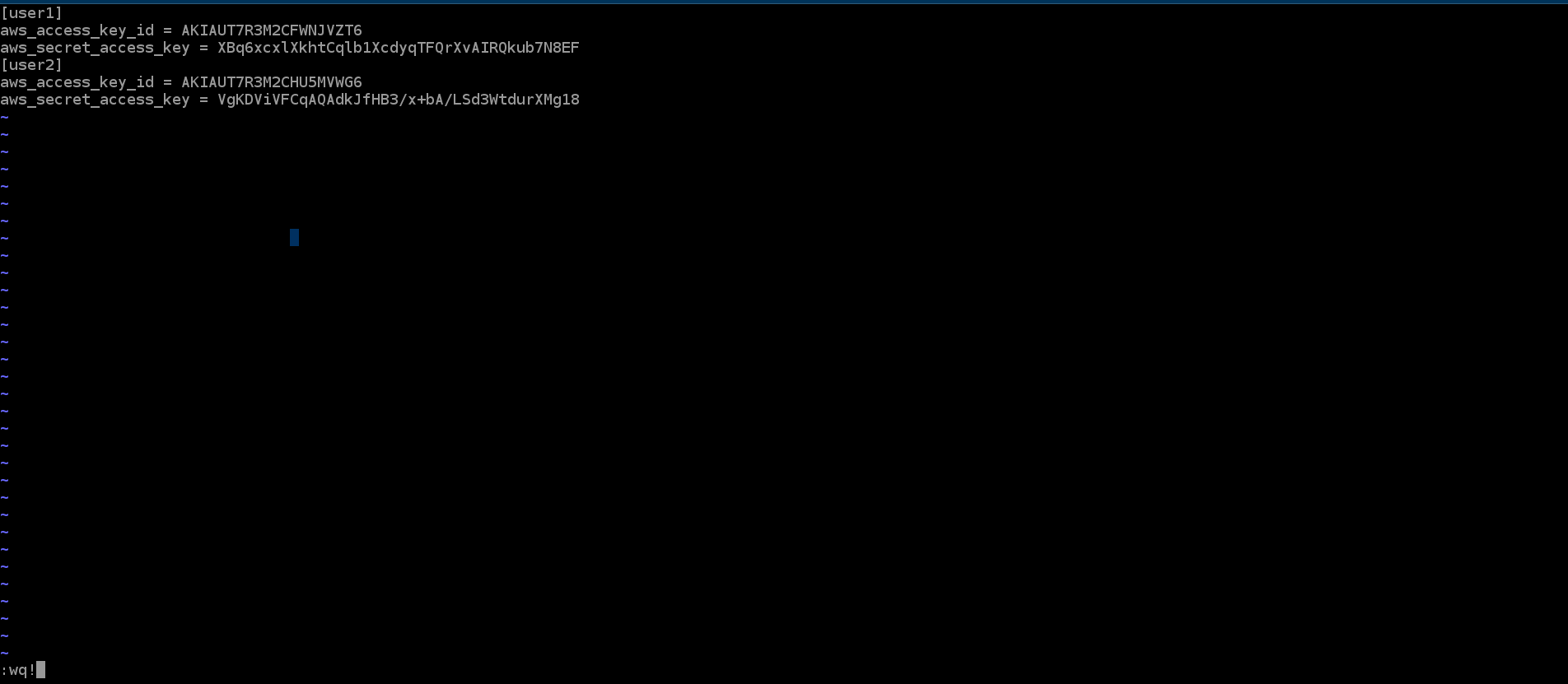
- Create a credential file for use by the AWS CLI with the following command. This will allow you to easily switch between two different IAM users.
cd ~/.aws
en credentials

-
Type i and press enter to enter insert mode
- Now copy and paste the updated credential file from your text editor into your vi session. It will look like the following, but with your unique Access Keys.

- Press esc** then type :wq! and press enter to save and exit vi.
You will use this SSH session throughout this lab.